





Last verified: September 2026
| How MyBookie reaches my phone | Status in September 2026 | Notes from my own setup |
|---|---|---|
| Android app file (APK) from mybookie.ag | Available - official download | The Download App banner appeared only while I browsed from Android and fetched app.apk from cdn.mybookie.ag, roughly 3.9 MB |
| Chrome Install app shortcut on Android | Available - optional | A no-file alternative: Chrome menu, then Install app or Add to Home screen, depending on the phone |
| MyBookie listing inside Google Play | Not offered | Nothing there comes from the operator, only unrelated apps that borrow a similar name |
| iPhone build in the Apple store | Not offered | MyBookie ships no iPhone or iPad build, so Apple has nothing for me to install |
| Safari Home Screen shortcut on iPhone | Available - my iOS route | A saved icon that launches the regular MyBookie mobile site |
| Just the phone browser, no install step | Available on both systems | Sportsbook, in-play odds, casino and cashier all loaded under a single login |
MyBookie splits its phone story down the middle. When I opened mybookie.ag on my Android phone, a small banner offered an app file straight from the brand's own servers. On my iPhone the same site offered nothing to download, because MyBookie keeps its real-money product out of both big app stores. So I ended up with two different setups: an installed APK on Android and a Safari shortcut on iOS, both pointing at one account.
MyBookie is built for US bettors. Its house rules say I have to be 21 or older and that betting must be legal where I live, so I checked that before I created anything. This page sticks to the phone side: getting the app, signing up, moving money and what the mobile lobby holds.
The honest answer depends on the logo on the back of the phone. Here is how the platforms broke down once I had checked them one by one:
While searching I ran into apps carrying the My Bookie name in Google Play and in the Amazon Appstore. None of them is the current MyBookie sportsbook, and MyBookie itself does not send players to any store listing. I leave them alone, and I would not type my MyBookie password into any of them.
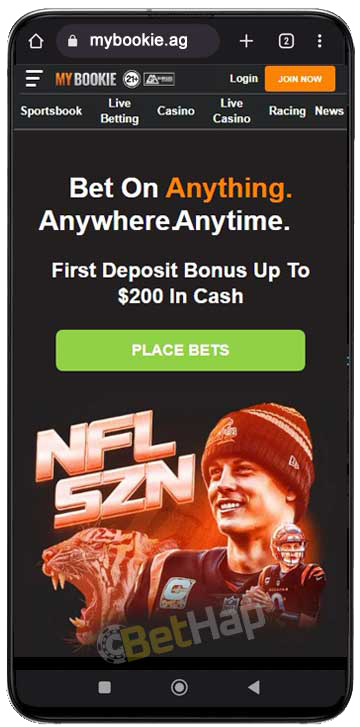
The Android download is easy to miss, since the banner only shows up when the site detects an Android device and it can be pushed away with a remind-later option. The file itself is tiny, so the whole job took me about a minute on mobile data. This is the order I followed:
| APK checkpoint | My result on Android |
|---|---|
| Where the file came from | The Download App strip on mybookie.ag, served from cdn.mybookie.ag |
| File name and weight | app.apk at close to 3.9 MB, light enough for mobile data |
| Oldest system it accepts | Android 5.0 or anything newer |
| Permission Android asked for | Install from this source, granted to one browser and removed afterwards |
| Role of Google Play | None - the package never passes through the Play Store |
My rule with this file is simple: it comes from the MyBookie banner or not at all. A copy passed around in a chat group or parked on a download portal could be old or tampered with, and there is no store review standing behind it.
On a second Android handset I skipped the APK and let Chrome create the icon instead. With mybookie.ag open, I tapped the three-dot menu and chose Install app; on some phones the same entry reads Add to Home screen. A MyBookie icon then joined my apps and opened the mobile site full width. It installs no file and needs no permission change, which makes it a good pick for a work phone or a shared tablet.
Older guides describe an App Store download or an unknown sources switch on iOS. Neither exists: Apple has no MyBookie app, and an iPhone has no setting that lets it install betting files from a website. What does work is a Home Screen icon made in Safari, and my iPhone had one within half a minute:
| iOS item | What my iPhone showed |
|---|---|
| Browser I relied on | Safari, with MyBookie loaded from the official address |
| Taps involved | Toolbar Share button, scroll the sheet, pick Add to Home Screen, confirm |
| Download from Apple | Not needed and not possible - no MyBookie build exists there |
| Unknown sources toggle | Not part of iOS, so the old sideload instructions simply do not apply |
| What the tile launches | The same MyBookie mobile site I reach by typing the address |
Because the tile only points at the website, there is nothing to update by hand. Every launch pulls whatever MyBookie is running that day, and the icon takes almost no storage.
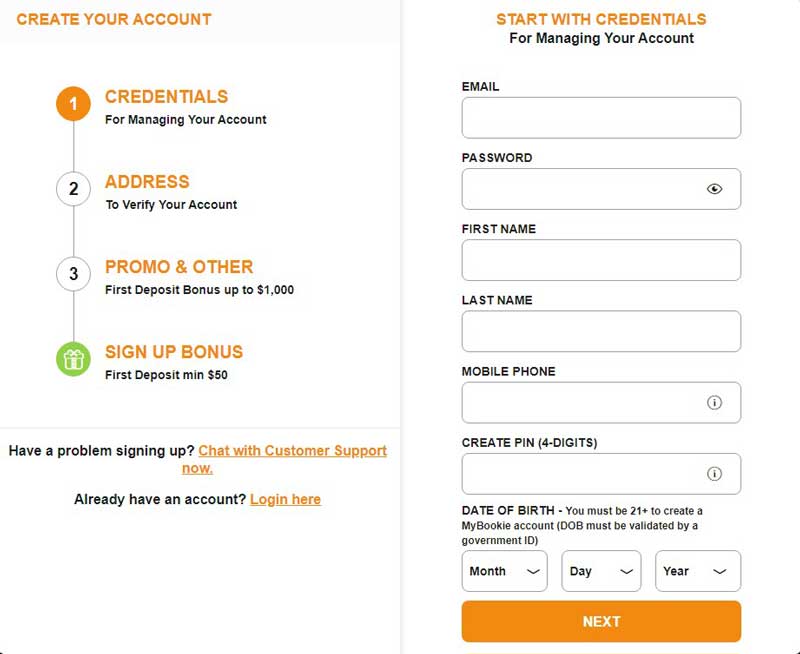
Registration looked identical in the APK, the Safari tile and a plain browser tab. The form runs in stages, and on a small screen I simply scrolled through each one:
BETHAP is the code shown on this page. I am not quoting a welcome figure here, because the amounts I saw in different places did not agree; the offer that applies to a new account is shown at signup, and I recap the code on my MyBookie promo code page. There is no extra reward just for signing up through the app.
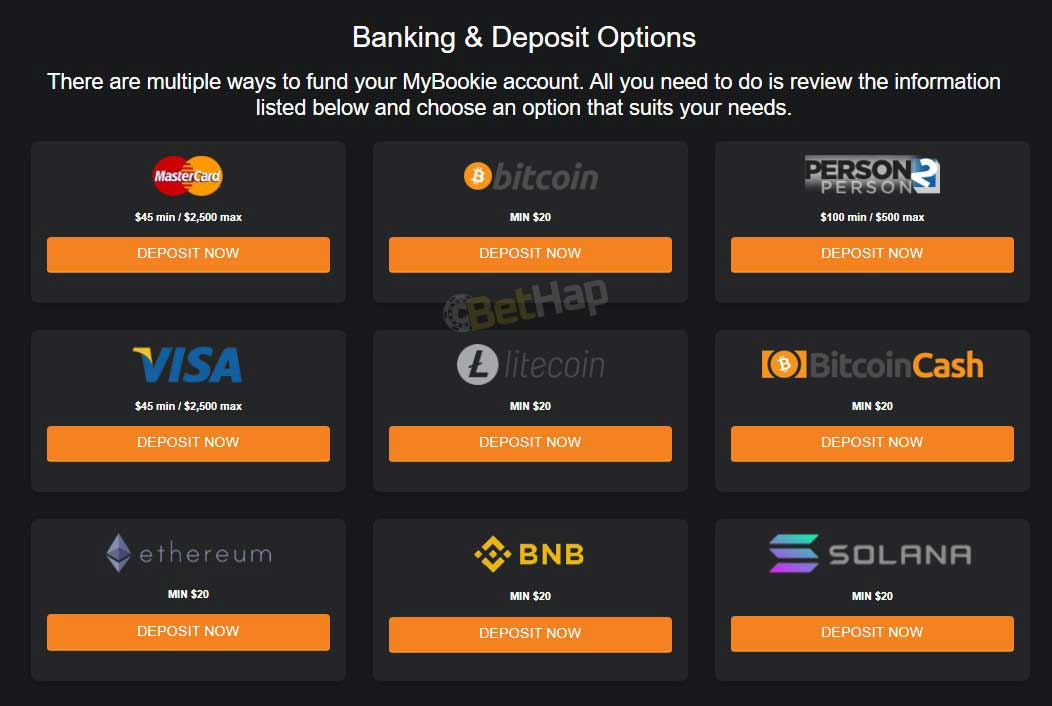
The cashier behaves the same in the APK and in Safari. I only used the methods listed on the official MyBookie banking page, and all amounts there are in USD.
| Deposit option on the banking page | Smallest deposit | Largest deposit | What I noted |
|---|---|---|---|
| VISA card | 45 USD | 2,500 USD | MyBookie warns that card deposits can cost up to 6% in fees |
| MasterCard | 45 USD | 2,500 USD | Carries the same card fee warning as the VISA row |
| Person 2 Person transfer | 100 USD | 500 USD | The tightest range of the non-crypto choices |
| Crypto, 10 coins: Bitcoin, Litecoin, Bitcoin Cash, Ethereum, Binance Coin, Solana, Cardano, Tether, Shiba Inu and Dogecoin | 20 USD per coin | No upper figure printed on the tiles | MyBookie describes crypto deposits as free of charge |
Cashing out is narrower. The payout tab offered me only two rails:
| Payout rail | Per request | Review, then arrival | Fee taken |
|---|---|---|---|
| Bitcoin or other crypto | 25 USD up to 5,000 USD | Review within 24 hours, coins in the wallet within another 24 hours | Nothing - MyBookie recommends this route |
| Bank Wire | 100 USD up to 5,000 USD | 1-2 days of review, then 5-7 business days in transit | 35 USD for 100-500 USD, 50 USD for 501-5,000 USD |
A few house rules shape every payout from the phone. I can request one withdrawal per method each week, up to 10,000 USD in total per week, and my deposits must be wagered at least once first. Payouts leave Monday to Friday, and a request sent after 2 PM ET counts as the next day. Before paying, MyBookie asked me to confirm the request with a 6-digit SMS code or my 4-digit PIN, and it may ask for ID documents; SMS checks work with US numbers only.
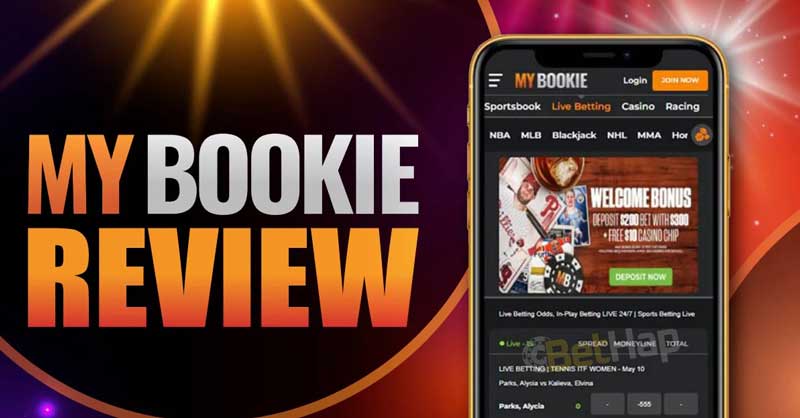
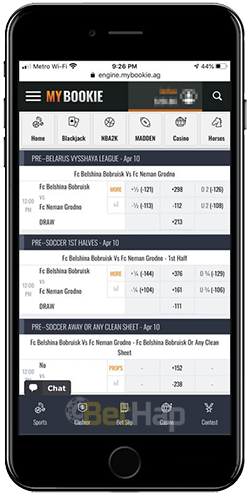
Whether I launched the APK, the Chrome icon or the Safari tile, I landed in the same lobby. The main menu on my phone listed Sportsbook, Live Betting, Casino, Live Casino, Racing and contests, plus the VIP and loyalty area. Nothing I use on a laptop was missing.
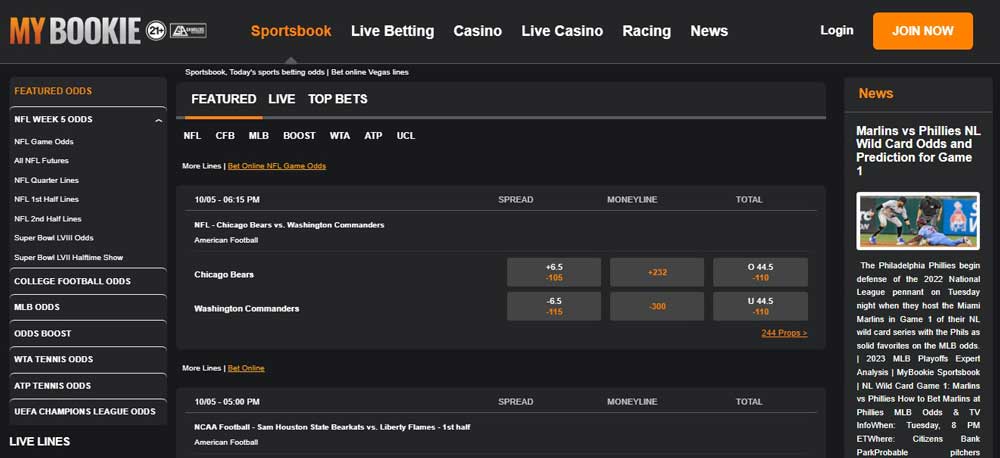
Odds showed in American format on my phone, with fractional and decimal as alternatives, and event times followed US time zones. On my phone I worked through NFL, NBA, MLB, UFC and soccer lines, and the spread, moneyline and total columns stayed readable without zooming. In-play prices shifted quickly during games, so I kept my slip short and confirmed each pick before the line moved on.
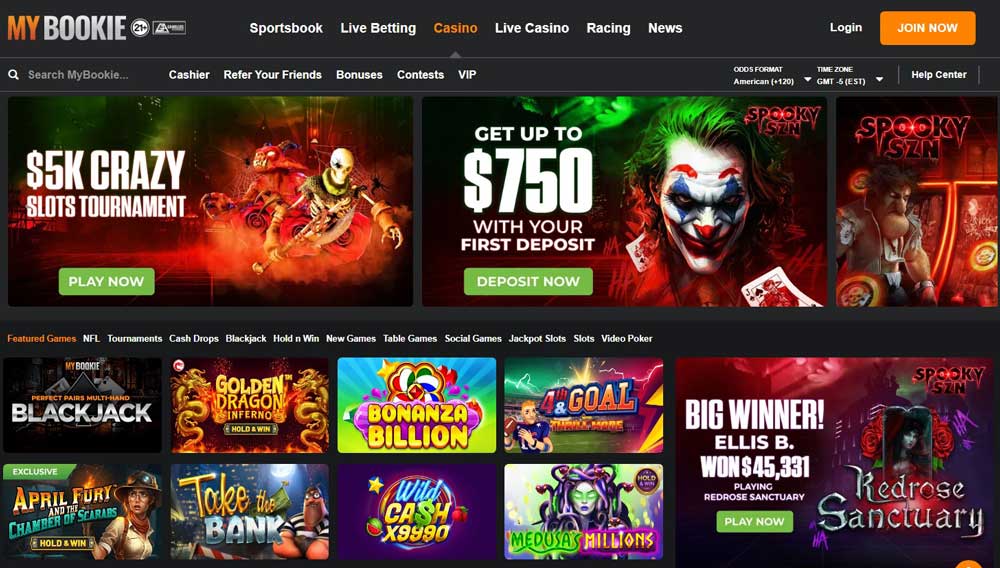
The casino tab held slots, blackjack, roulette, craps, video poker and live dealer games, all playable in portrait or landscape. I keep the full game breakdown on my MyBookie casino review, since this page is about the phone setup.
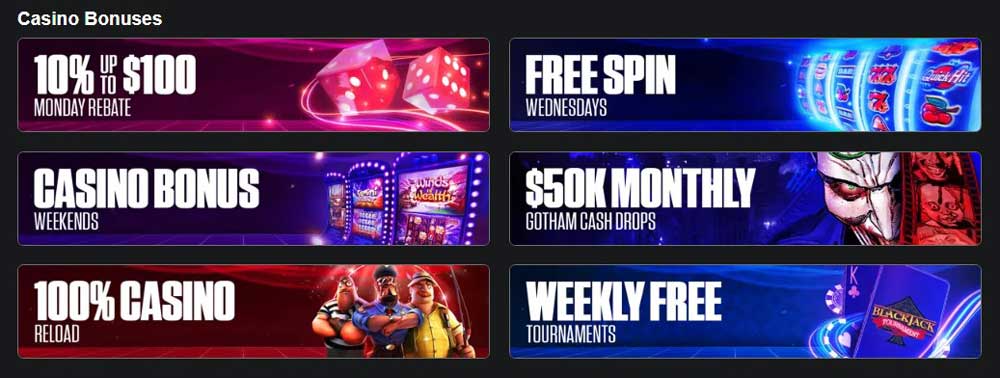
I found no deal reserved for mobile users. The promotions page on my phone matched the desktop one, and the current list with its terms is on my MyBookie bonus page.

I sign in with the same email and password everywhere, so switching between the APK, the Safari tile and my laptop never meant a second account. MyBookie states that its site uses 256-bit encryption with SSL, and the account area lets me set daily, weekly or monthly deposit limits or self-exclude if I need a break. I do not treat any of that as a guarantee; I keep my PIN private and never log in from a link someone sends me.
For help, MyBookie lists a contact form that is open around the clock, live chat for logged-in members and a phone line at 844-866-2387. Opening chat inside the APK and inside Safari worked the same way for me.
After this September 2026 check, my setup is clear. On Android I keep the APK from the mybookie.ag banner, or the Chrome Install app icon when I would rather not sideload a file. On iPhone I use a Safari Home Screen shortcut, because there is no App Store app, and I ignore any store listing that only borrows the name. The plain mobile site covers every other device.
All three routes lead to the same account, the same cashier and the same code, BETHAP, at signup. MyBookie is aimed at US players aged 21 and over, and I only deposited after confirming that online betting is legal where I live.