




Last verified: October 2026
| Route checked | Status |
|---|---|
| Coinplay listing in the Apple App Store | Not found |
| Coinplay listing in Google Play | Not found - the CoinPlay title there is an unrelated puzzle game |
| APK file on the Coinplay domain | Checked links returned a 410 response |
| Mobile site in Chrome or Safari | Browser route - no download involved |
| Home screen shortcut to the site | Browser feature - Chrome on Android, Safari on iOS |
I checked every path a phone owner might try for Coinplay: Google Play, the App Store, the APK addresses on the official domain and the mobile site. No store app or operator APK turned up, which leaves the website in a mobile browser, with an optional home screen icon.
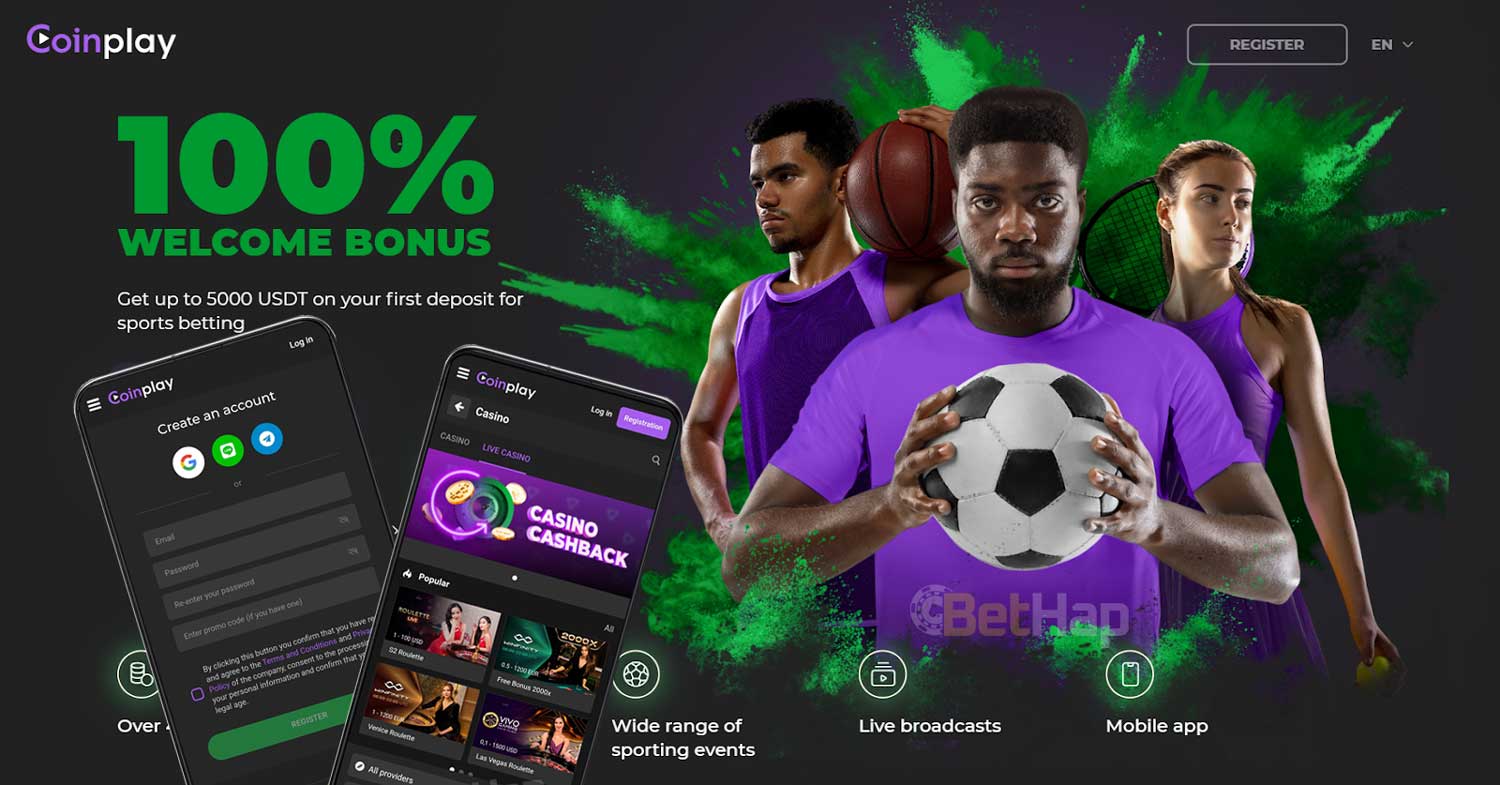
Coinplay has no store app that I could confirm. I checked the Google Play results, the App Store search and the APK addresses linked to the official domain, and none of them led to a casino app from the operator. What remains for phone owners is the website itself, opened in a mobile browser such as Chrome or Safari, with the option of a shortcut icon on the home screen. The brand overview sits in the Coinplay review, and the steps for the shortcut follow in the Android and iOS sections.
The APK addresses I checked on the Coinplay domain returned a 410 response when checked. I found no current file name, version number or size to confirm, so this page offers no APK link. Pages that still promote a Coinplay APK are third-party hosts, and a file from such a source needs the unknown sources setting switched on in Android. I leave that setting off, since nothing I found ties those files to the operator, and the browser route needs no file at all.
A search for CoinPlay on Google Play returns a puzzle and rewards game from another developer. It has no connection to the Coinplay casino and sportsbook, even though the name matches. I checked several package names linked to the brand and each one returned a missing page. Before anything with a matching name is installed, the developer name and the linked domain deserve a close look, and the same applies to MOD APK pages that borrow the brand.
My App Store search turned up no Coinplay casino listing in any storefront I tried. iPhone and iPad owners therefore reach Coinplay through Safari, the same way as any other website, and the home screen shortcut gives a single tap entry point afterwards. Nothing needs to be downloaded from outside the App Store for this, and no profile or test build is required. Safari can store a saved password in iCloud Keychain, which spares retyping a login on later visits.
The Android route uses Chrome and takes under a minute. The steps:
| Browser | Action | Result | Store or APK |
|---|---|---|---|
| Chrome | Add to Home screen | Coinplay icon on the home screen | No APK needed |
The icon then opens the page it was created from, and Chrome can keep saved passwords between visits.
Apple devices follow a similar pattern through Safari. The steps:
| Browser | Action | Result | Store or APK |
|---|---|---|---|
| Safari | Add to Home Screen | Coinplay shortcut next to other apps | No App Store listing |
Other iOS browsers can open the site too, although Safari gives the cleanest shortcut on iPhone.
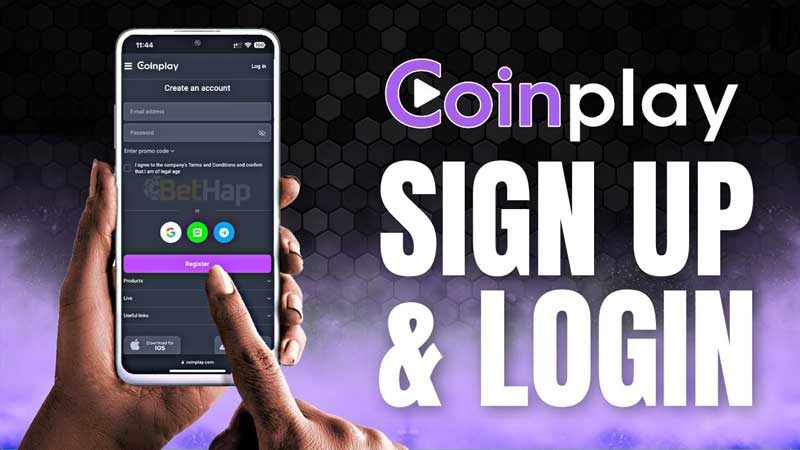
A home screen shortcut is not a separate program. It opens the same web address in the phone browser, so whatever the Coinplay website shows on that device is what the shortcut shows. Turning the phone to landscape gives wider rows on any website, and on tablets the larger display gives more room again. Browser zoom, text size and dark mode settings sit in Chrome and Safari themselves, and they apply to the shortcut as well.
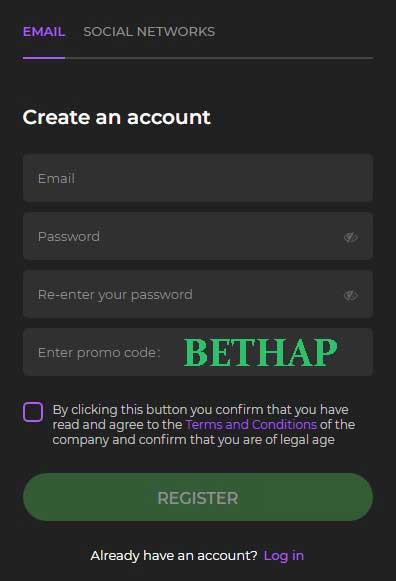
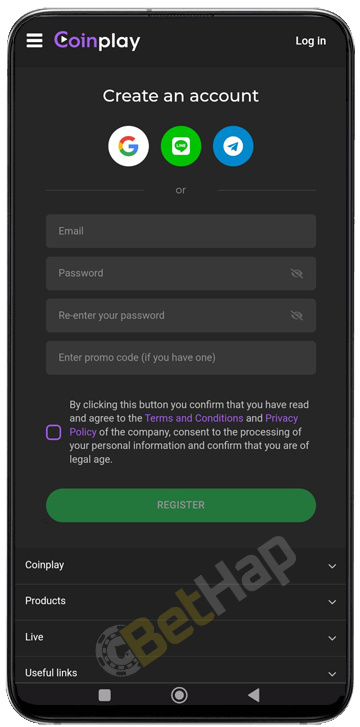
A phone browser opens the same Coinplay registration form as a desktop browser, because both load the same website. Code BETHAP is entered once, in the promo code field during signup, and it does not unlock a separate mobile bonus. Details on the code itself are on the Coinplay promo code page. A password manager on the phone helps when the account is later opened through the shortcut icon, since the login form asks for the same details.
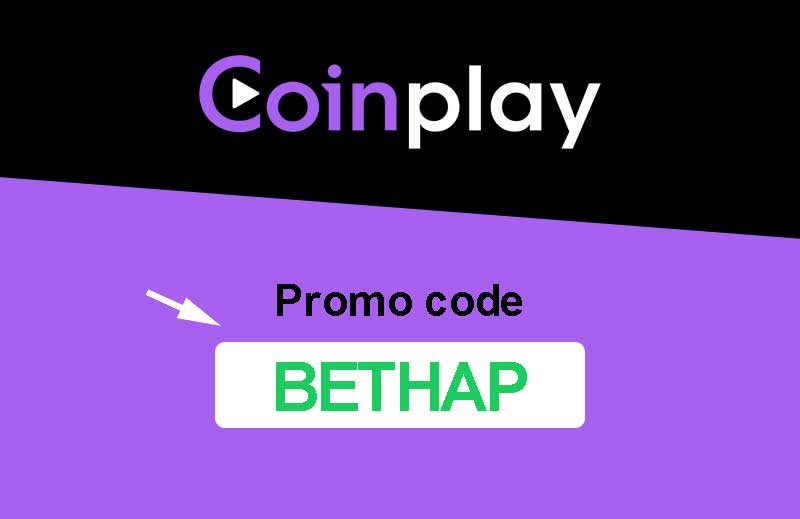
The code is entered in capital letters exactly as BETHAP, without spaces before or after it. Mobile keyboards tend to add an automatic capital, a trailing space or a word suggestion, and any of these changes the entry. Turning off autocorrect for that one field, or pasting the code, avoids the problem. A check of the field before the form is sent takes a few seconds and saves a support request later.
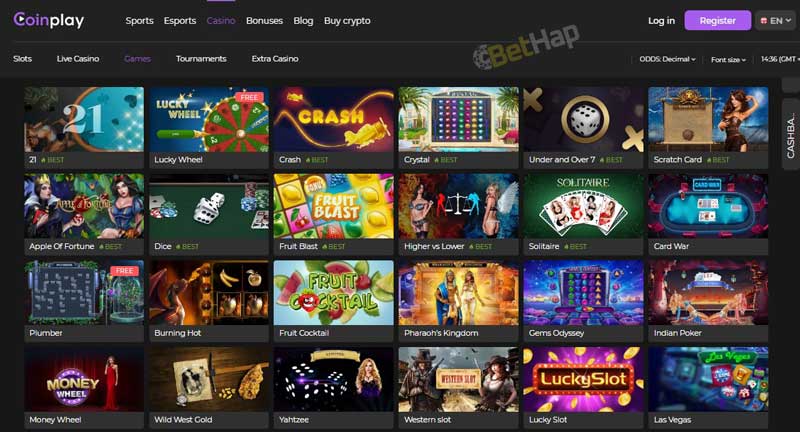
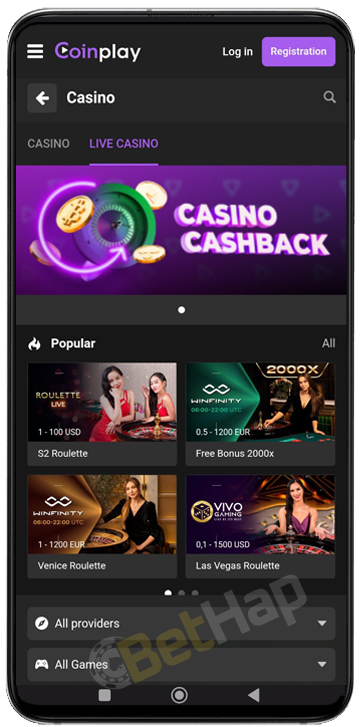
No separate casino app exists that I could confirm, so the Coinplay casino on a phone is the website opened in the browser or through the shortcut icon. Live dealer streams use more mobile data than standard slot games, which is worth keeping in mind on a limited data plan, and Wi-Fi lowers that cost. The game types and providers are described on the Coinplay casino page, which is part of the same review set.
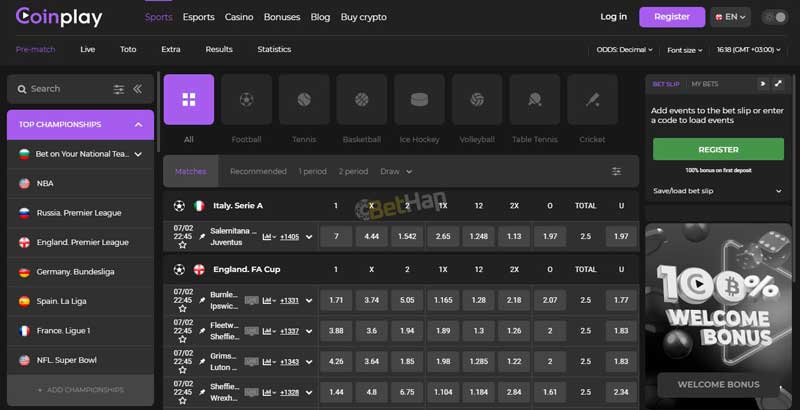
I found no standalone Coinplay sports app on Google Play or in the Apple store, so sports betting on a phone also goes through the website. The shortcut icon opens the address it was saved from, which means saving it from the sports page puts the sportsbook one tap away instead of the start page. A second icon from the casino page gives a separate entry for the casino, and both icons open in the same browser.
Offer terms on a small screen are easy to skim past, so zooming in on the conditions before opting in is time well spent. A screenshot of the terms on the phone also keeps a copy at hand if a question about an offer comes up later.
The earlier version of this bethap page named Bitcoin, Ethereum and Litecoin as Coinplay payment options. I did not open the Coinplay cashier for this check, so the list is a record of that earlier text and not a full cashier review. A crypto wallet installed on the same phone makes it easy to move a deposit address between the two apps.
| Coin | Ticker | Source |
|---|---|---|
| Bitcoin | BTC | Named on the earlier bethap page |
| Ethereum | ETH | Named on the earlier bethap page |
| Litecoin | LTC | Named on the earlier bethap page |
Network fees depend on the blockchain used and the wallet that sends the coins.

With no app in the stores, any help page or contact form Coinplay offers is part of the website, so the shortcut icon reaches it through the browser like the rest of the site. A question about an account or a transaction goes faster with the username and a screenshot of the issue at hand, and phones capture both in seconds.

A home screen icon is a shortcut to the website, so there is no update file to download and no version number to track. Whatever Coinplay changes on its server shows up the next time the icon opens. If the icon stops loading the site, deleting it and adding a fresh one from the browser restores it. Clearing the browser cache removes stored site data, and the login has to be entered again afterwards.
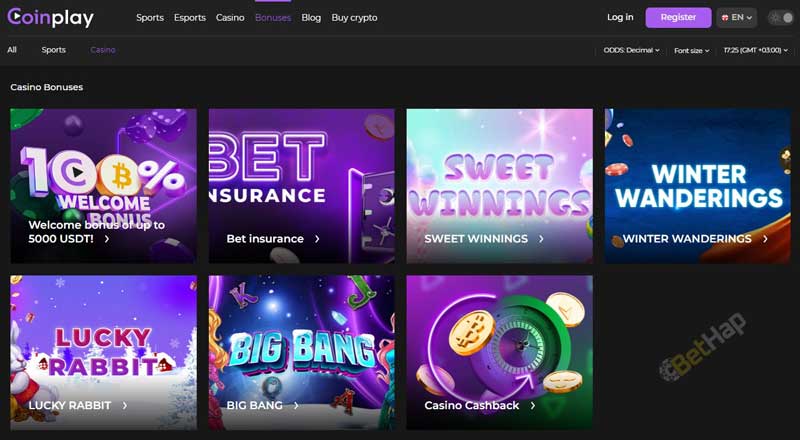
Coinplay on a phone comes down to the browser. The store listings that carry the name belong to other developers, the operator APK links returned a 410 response when checked, and a home screen icon in Chrome or Safari turns the website into a one tap entry on Android and iOS alike. Code BETHAP goes into the signup form once. The current offers and their terms are listed on the Coinplay bonuses page.