





MyStake app pathLast verified: September 2026
| Path | Available |
|---|---|
| Native iOS / App Store | No |
| Native Android / Google Play | No |
| APK sideload | No - avoid |
| Mobile website (Safari / Chrome) | Yes - primary |
| Add to Home Screen (web app) | Yes - Android Chrome + iOS Safari |
I opened MyStake on my phone in September 2026 looking for a store app and left with a clear answer: there is no native MyStake download for iOS or Android. My real path is the mobile website in Safari or Chrome, then Add to Home Screen when I want a home-icon shortcut.
That matches the fuller walkthrough on my MyStake review hub: same brand, same mobile site, no store package on this check.
On my September 2026 pass I found no native MyStake app for iPhone, iPad, or Android phones. I also found no App Store listing, no Google Play install path I trust for this casino, and no official APK I would sideload. Search results that push Play or APK mirrors do not match the path I use on the official mobile site.
What I do use instead:
I do not chase Unknown Sources APK guides, and I do not treat a third-party store card as our install answer.
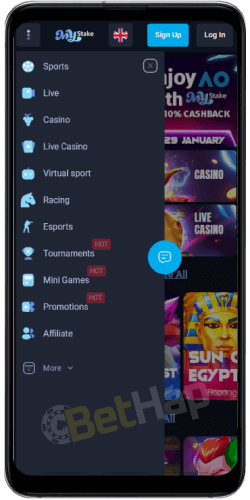
I stay on Android Chrome for the shortcut. These are the steps I follow:
That Home Screen shortcut is a web-app icon for the site I already loaded - not a Play Store package and not an APK file.
| Android check | What I used |
|---|---|
| Browser | Chrome |
| Action | Add to Home Screen |
| Result | Home-screen icon to the mobile site |
| Google Play / APK | No - I do not install a native package |
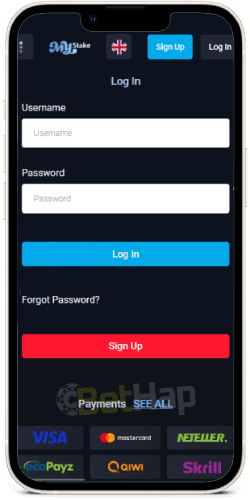
On iPhone I use Safari, not a store install. My steps:
Again, this is a Safari shortcut to the mobile website. It is not an App Store download.
| iOS check | What I used |
|---|---|
| Browser | Safari |
| Action | Share - Add to Home Screen |
| Result | Home-screen shortcut to the mobile site |
| App Store | No - not a native iOS download |
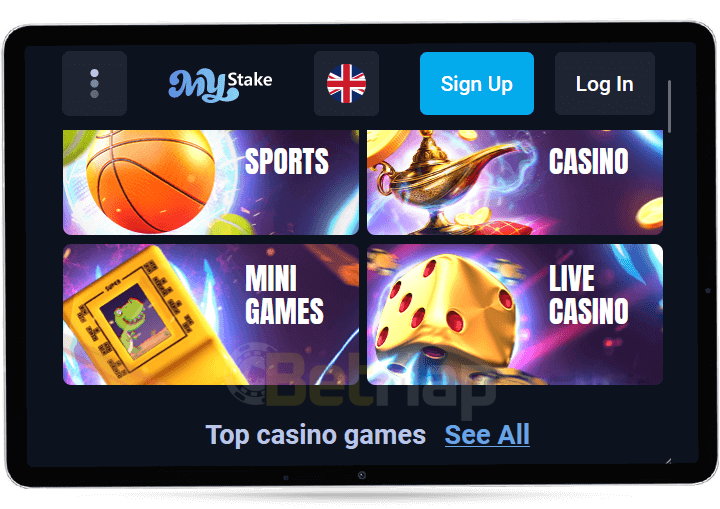
Because there is no native app on my check, the mobile website carries the full session. On my phone the layout tracks the desktop product closely enough that I can open games, place sports bets, deposit, withdraw, and manage the account without installing anything.
I treat browser play as the default. Home Screen is optional convenience after the site already works. If you want the signup walkthrough on phone, my MyStake registration notes stay on the same mobile site path.
| Path | Better for me when |
|---|---|
| Mobile website | I want full play without installing anything |
| Add to Home Screen | I want a one-tap icon back to that same site |
| Native store app | Not available on my check |
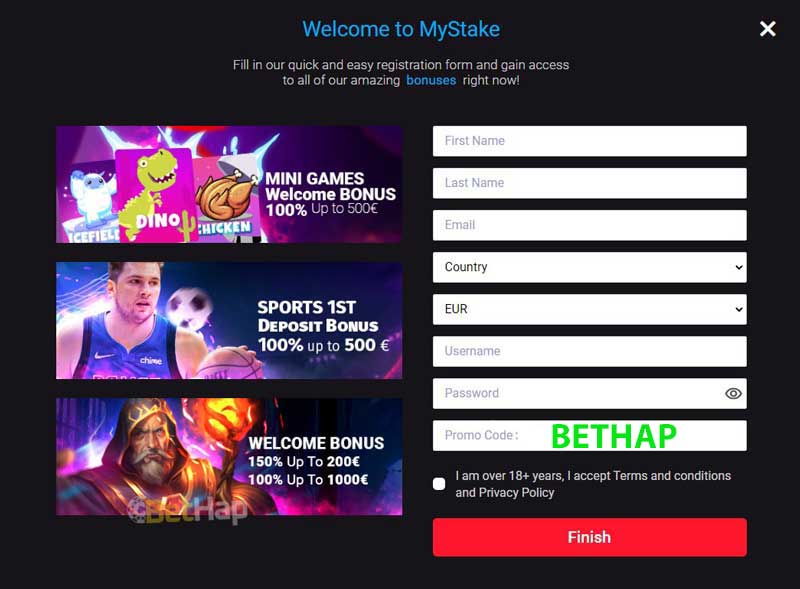
I opened a MyStake account from my phone without any store app. The form I used followed these steps:
After that login I could play casino games and bet on sports on the mobile site straight away. I did not re-register under later headings on this page.
| Mobile registration | My note |
|---|---|
| Where I sign up | MyStake mobile website |
| Promo field | BETHAP (light CTA only on this app page) |
| Native app required | No |
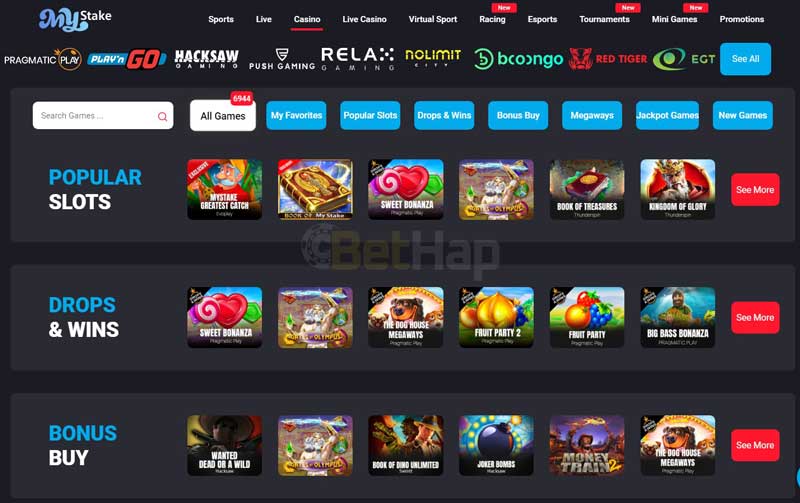
On the phone lobby I browse the same casino sections I expect from the desktop product. Deeper lobby notes sit on my MyStake casino page; here I stay on what loads cleanly in the mobile browser.
I open slots ranging from classic fruit-style games to adventure themes and progressive jackpots. Many titles on my pass still lean on free spins, multipliers, wilds, and bonus rounds, so the mobile reels feel close to desktop play.
For table play I checked blackjack, roulette, baccarat, and poker variants. The mobile tables keep readable layouts so I can pick a skill level without stretching to a separate app.
Live blackjack, live roulette, card games, and live baccarat stream to my phone with real dealers. The social feel of live tables works in the browser session I already use for slots and sports.
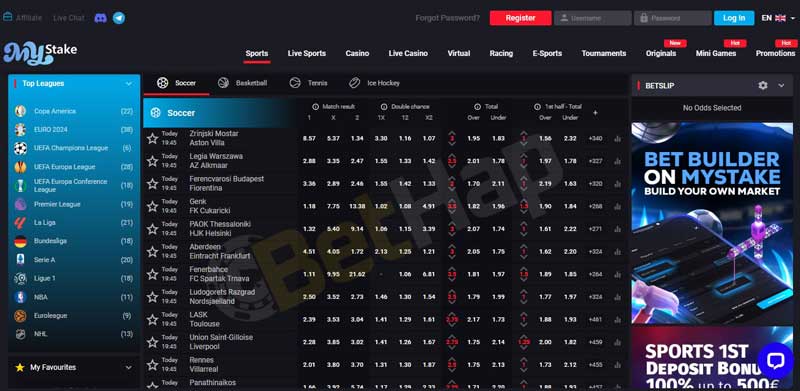
The mobile sportsbook on my check covers football, basketball, tennis, and esports among other sports, with a wide market list and live betting. I place bets, follow live scores, and manage the account from the same browser login I use for casino - still without a native sports app.
I stick to the official mobile website and the Home Screen shortcut I created myself. On this URL I do not invent a license string that the page does not show. Soft read from our own checks: the mobile site is treated as safe for normal play when I stay on the official domain, keep the account private, and play only if I am 18+ under the casino terms.
I avoid random APK sideloads. If a login glitch appears, I contact MyStake support rather than downloading a third-party installer.
When I register on phone I still type BETHAP into the signup promo field. Honesty from our live page: BETHAP does not unlock a specific bonus figure on this app URL. It is our affiliate CTA for the promotions path the brand shows after signup, not a hidden welcome amount invented here.
Offer detail and bonus maps belong on my MyStake promo code and MyStake bonuses pages. This app rewrite stays on install honesty and mobile access.
My September 2026 check is unchanged on the core point: no native MyStake iOS or Android download, no App Store / Play / APK path I recommend, and a clear primary route through the mobile website plus optional Add to Home Screen in Chrome or Safari. Casino slots, tables, live dealers, and sports betting all sat on that same browser login. BETHAP stays a light registration CTA with no specific bonus invent on this page. Last verified: September 2026.