




Last verified: September 2026
| Path | Available | How I use it |
|---|---|---|
| Native iOS / App Store | Yes | App Store listing from Megapari mobile site or search |
| Native Android / Google Play | No | Official APK only - I ignore odd Play listings |
| Official Android APK | Yes | Download from Megapari mobile site + unknown sources |
| Mobile website | Yes | Full sportsbook and casino in the browser |
| Home Screen / A2HS | Yes | Pin the mobile site when I skip native installs |
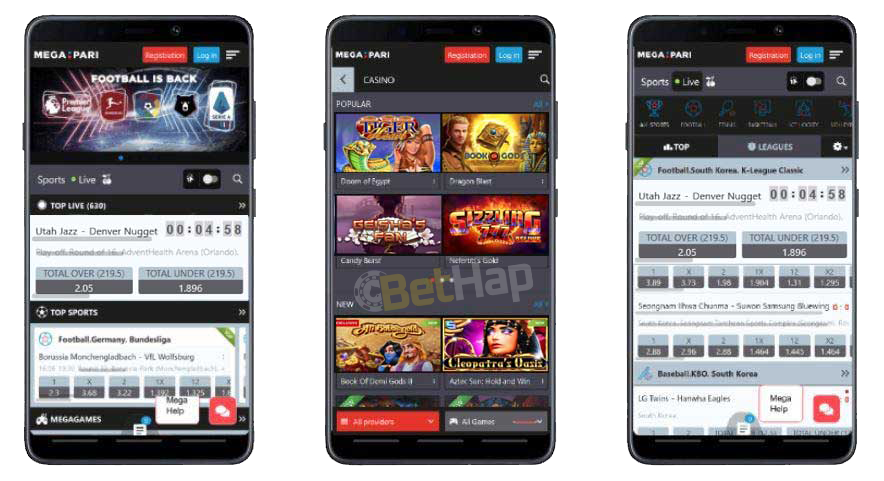
I checked Megapari on my phone in September 2026 with a split path in mind, not a single store myth. What I actually found was a native mix: an official Android APK from the Megapari mobile site (not Google Play), a real iOS App Store listing, and a full mobile website I can still pin to the Home Screen when I want browser play. Search results push APK mirrors and odd Play cards - those are not the path I follow.
Below I walk through how I pulled the official APK, how I installed from the App Store, how I use mobile web plus Home Screen as a fallback, and how promo code BETHAP fits at signup. Free to install on both platforms - no paid subscription on this path.
On this pass I treat Megapari as a native yes brand with an honest store split:
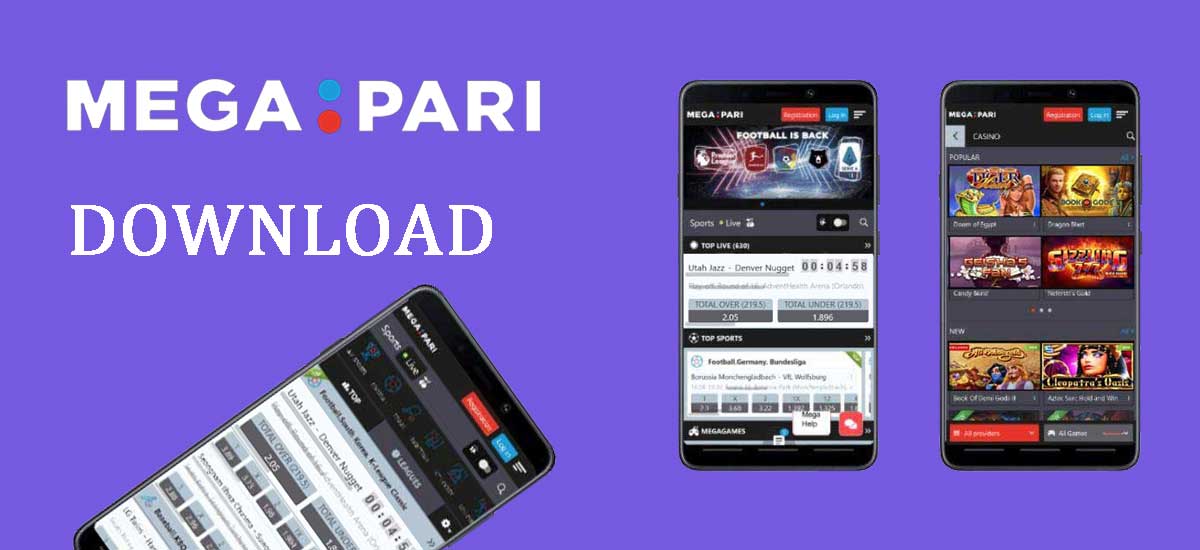
Safety stance from this page: the mobile site matches the desktop product under the same operator setup, and the Android plus iOS apps sit on that same licensed path. I still stay on Megapari-hosted downloads only - no third-party APK hosts.
Android on Megapari is an official APK sideload, not a Play button I pressed. I never chase divxland, Uptodown, or other mirror hosts that rank for "Megapari APK".
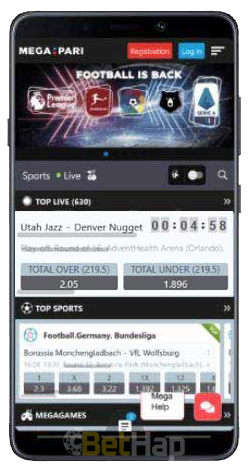
Anti-mirror note: if the host is not Megapari, I cancel. Search loves APK clones; I do not.
AS-IS from this page: Android 5.0+ and about 46 MB free disk. Device coverage is wide - older phones and newer flagships both sit on the supported list.
| Item | What I used | Result |
|---|---|---|
| Browser | Android Chrome on Megapari mobile site | Reached official APK download control |
| Action | Allow unknown sources → download APK → Install from Downloads | Megapari icon on home screen / drawer |
| After install | Disable unknown sources again | Permission locked back down |
| Play / mirror stance | No Play path; avoid divxland / Uptodown | Official site APK only |
iPhone and iPad users get a cleaner store path than Android. Megapari ships a native iOS app through the App Store - I do not paste an Android APK onto Apple gear.
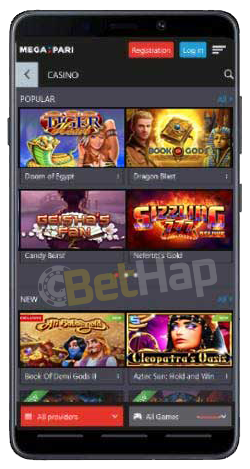
AS-IS from this page: iOS 9.0+ (listed as 9.00+) and about 50 MB free disk on iPhone or iPad (including SE, mini, and Air class devices).
| Item | What I used | Result |
|---|---|---|
| Store path | App Store search or Megapari mobile-site App Store button | Official Megapari listing |
| Action | Get / Download on the App Store page | Install starts automatically after download |
| Requirements | iOS 9.0+ · ~50 MB free | Install succeeded on supported device |
| APK stance | No Android APK on iOS | Store listing only |
When Megapari flags a newer build inside the app, I update promptly, then restart the app (and the phone if the session still feels sticky). I do not replace an App Store build with a random APK from search.
If I do not want an APK or an App Store install - or my device sits outside Android and iOS - the mobile website still carries the full product. Layout flexes to the screen; sports markets, casino titles, registration, deposits, and withdrawals stay reachable in the browser.
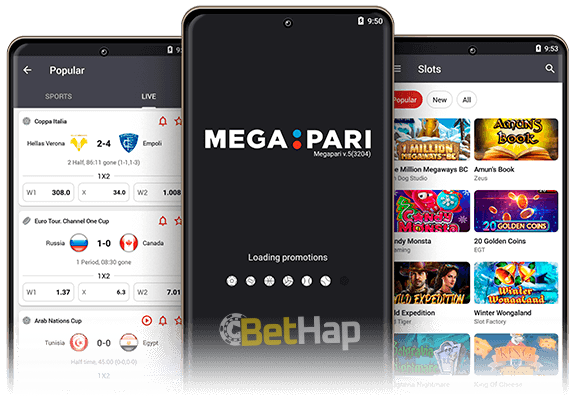
Browsers I used or that this page names: Firefox, Google Chrome, Safari, Opera, Samsung Internet, and other common mobile browsers. Internet Explorer is listed historically; on modern phones I stay with Chrome or Safari.
When I want one-tap return without a native package, I add the Megapari mobile site to the Home Screen. Steps I ran:
| Item | What I used | Result |
|---|---|---|
| Browser | Chrome on Android or Safari on iPhone | Mobile Megapari lobby loaded |
| Action | Add to Home Screen from page menu / Share sheet | Launcher icon for the mobile site |
| Result | One-tap return to browser Megapari | No native APK or App Store step required |
| Native stance | Optional fallback beside APK + App Store | Useful on borrowed phones or tight storage |
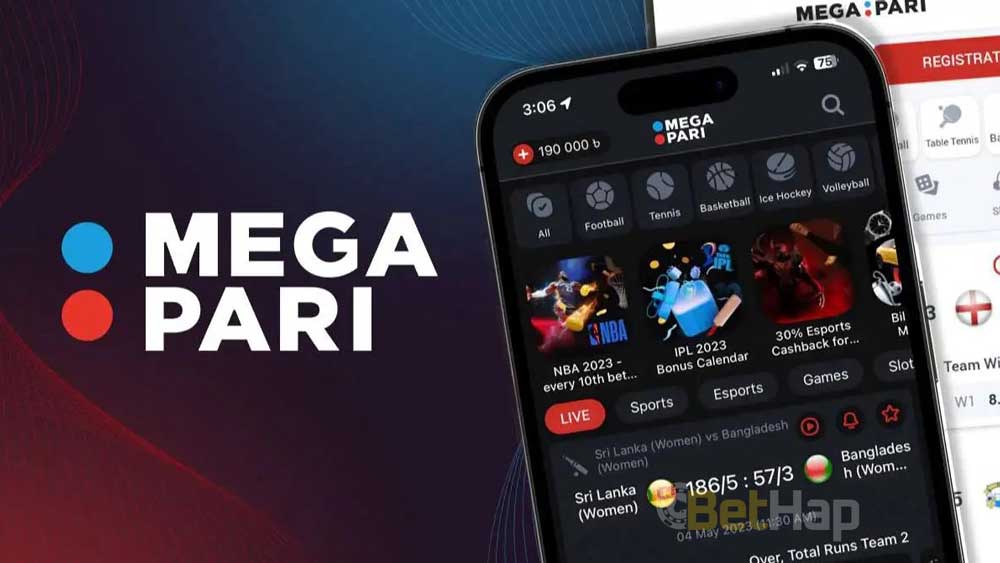
After APK, App Store, or mobile web login, the same core tools showed up on my phone:

At signup on the Megapari app or mobile site I enter BETHAP in the promo-code field. That token is our sticky code AS-IS - I do not invent rival codes on this page.
Welcome light AS-IS for a new registration via the mobile app: 130% up to 200 CAD (136 EUR) to place bets. Honesty check: if I already registered on desktop, switching to the Megapari app does not unlock a second welcome pack on the same account. There is also no specially tailored "mobile-only" promo code beyond what the cashier and terms show that day.
Promo materials and FAQ wording on this brand also describe a soft 100% deposit plus 30% cash prize angle when a unique promo code applies - I treat that as the same welcome family, not a third invented figure, and I re-check live terms before I claim. For code depth I open Megapari promo code; for offer lists I use Megapari bonuses.
On the phone lobby I reached the same casino shelf as desktop - slots, live tables, and the extra game rows listed above. This app review stays on the install path; game-by-game depth belongs on Megapari casino.
Cashier talk on this URL stays limited to methods named here. Availability still depends on region and currency - I re-check floors inside the live cashier.
| Payment Method | Type | Note |
|---|---|---|
| Cryptocurrencies | Crypto | Named on this page |
| Pay4Fun | E-wallet | Named on this page |
| Visa | Card | Named on this page |
| Mastercard | Card | Named on this page |
| Perfect Money | E-wallet | Named on this page |
| ecoPayz | E-wallet | Named on this page |
| ePay | E-wallet / local | Named on this page |
I do not invent Apple Pay, Skrill, Neteller, or other sister-page rails on this app URL.
When I need the wider Megapari overview beyond the phone path, I open the brand hub at Megapari. Promo, bonuses, and casino sisters above already cover offer and game depth; the hub is the short overview link I keep handy.
If an APK install stalls, an App Store download fails, or a cashier step feels unclear, I use Megapari client support from the phone. This page lists standard support and security email channels in the help area. I follow the install screenshots and guides first, then mail support when I still need a human answer - I verify payment or KYC replies against the written terms before I move money.
After the September 2026 pass my takeaway stays clear: official Android APK from the Megapari site, iOS App Store for Apple devices, and mobile web plus Home Screen when I skip a native install. Google Play is not my Megapari casino path, and third-party APK mirrors such as divxland or Uptodown are noise to skip. Promo code BETHAP stays at signup for new players; welcome light stays 130% up to 200 CAD (136 EUR) with no second welcome if the account already exists on desktop. Last verified: September 2026.